
Your people. A whole new look.
AI Photo &
Poster Generator
Turn photos of yourself, friends or your own characters into illustrated posters and styled portraits. Pick a look, choose your format, and make it yours.
GTA 6 poster looks
Step into sunlit streets, neon nights and cinematic duo scenes. Turn your photos into GTA-inspired illustrated poster art.
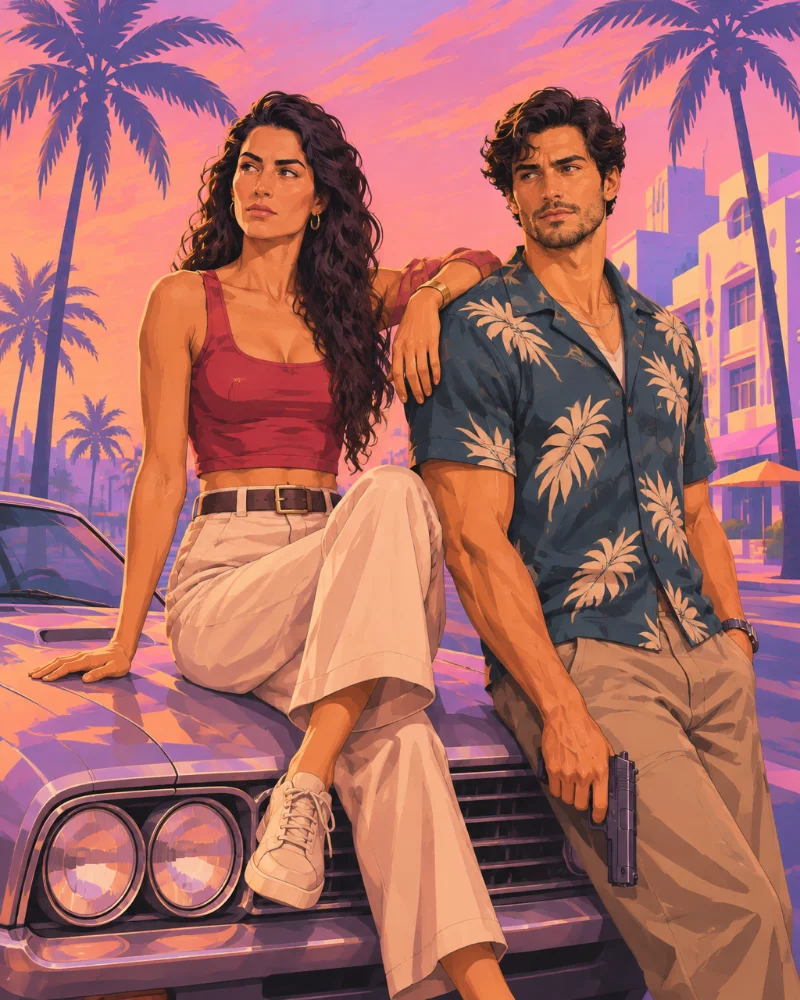
Sunset Drive
2 people · Illustrated poster
Make this look ↗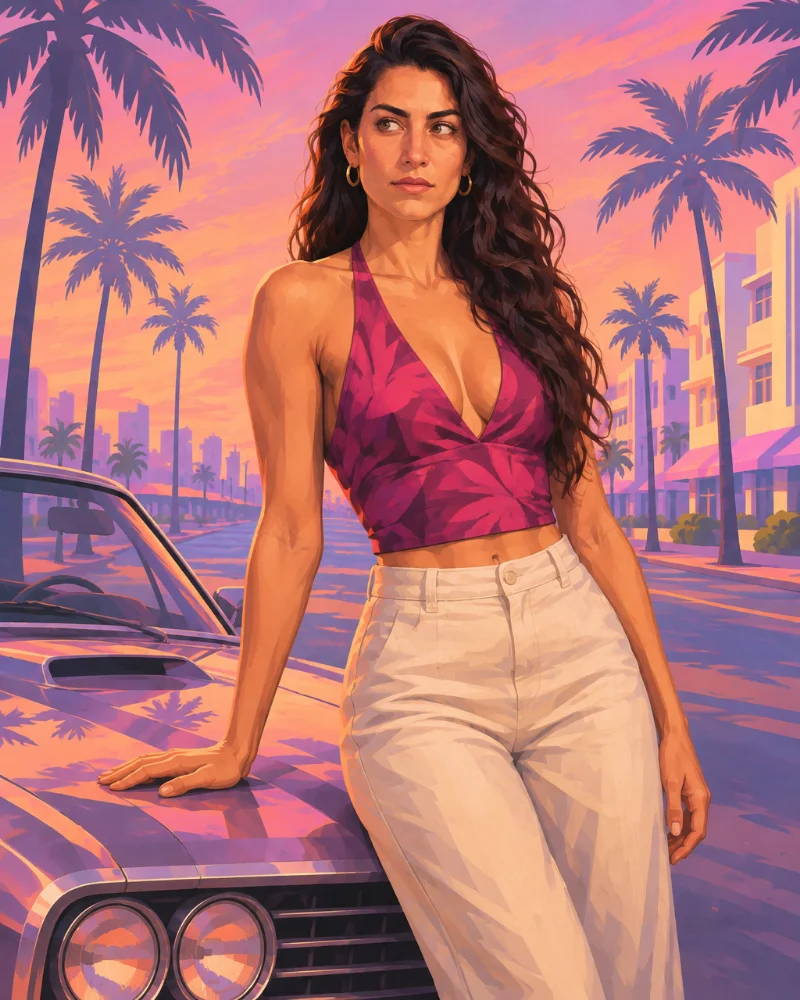
Sunset Boulevard
1 person · Illustrated poster
Make this look ↗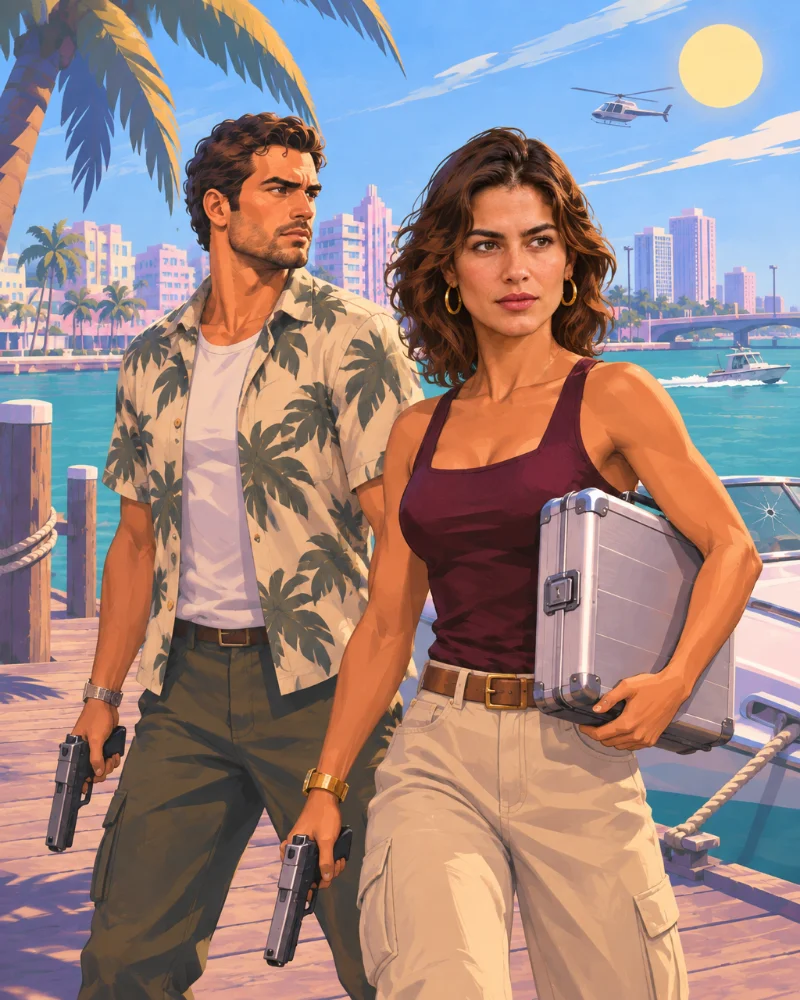
Marina Getaway
2 people · Illustrated poster
Make this look ↗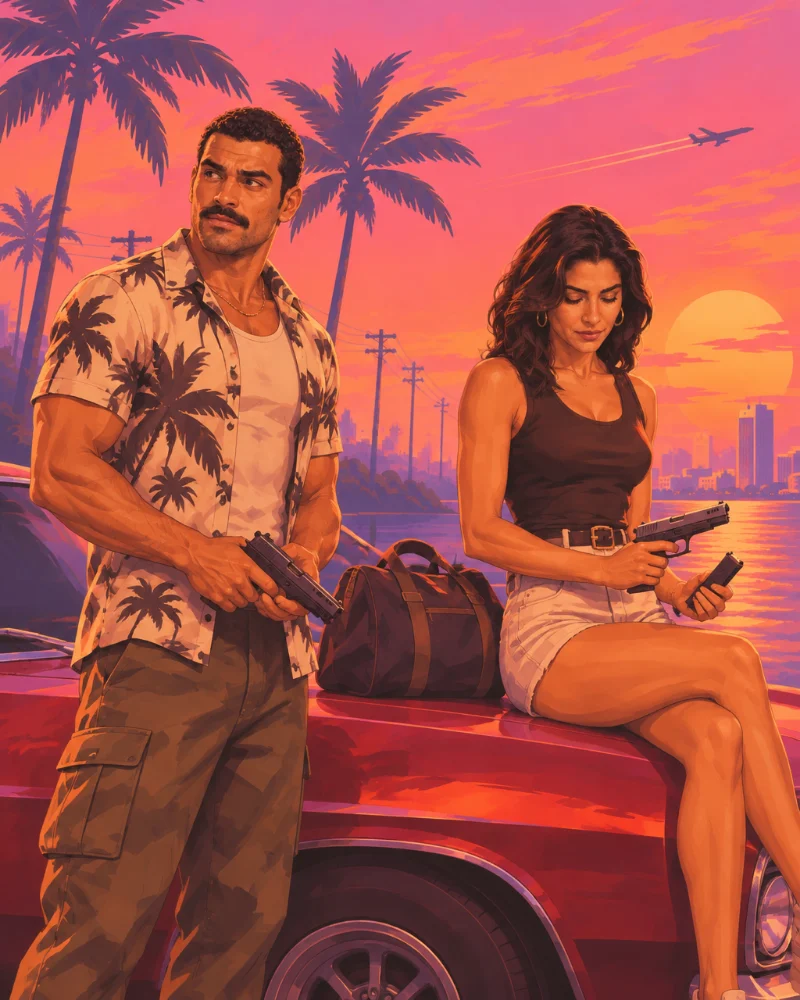
Lock & Load
2 people · Illustrated poster
Make this look ↗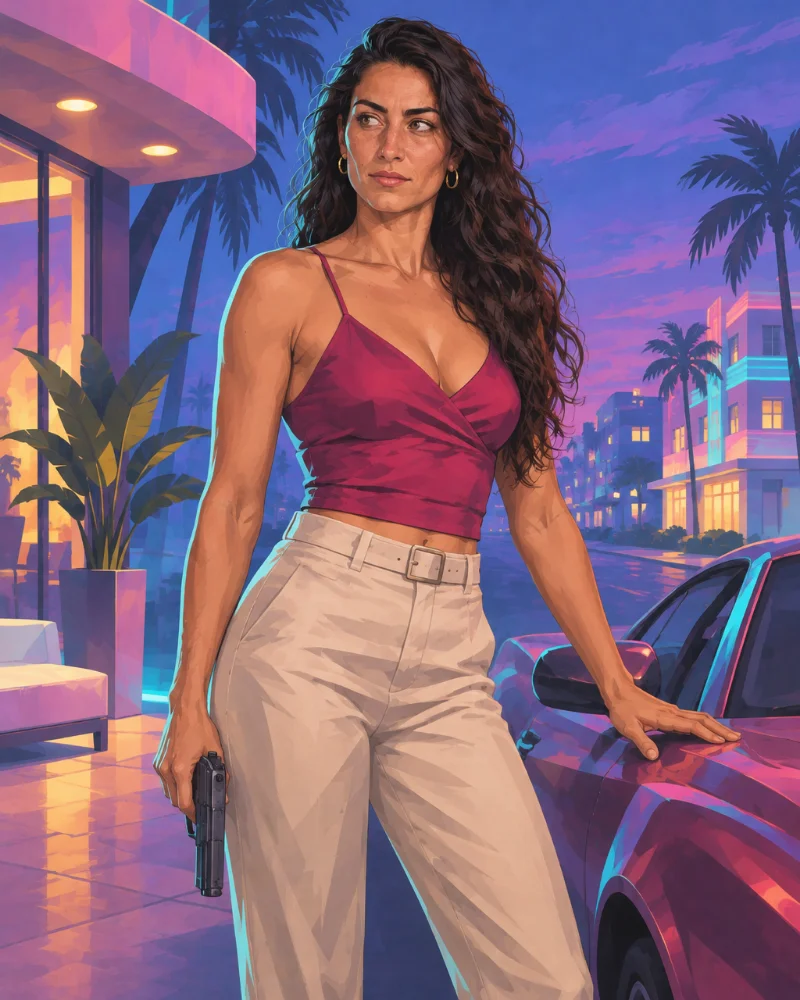
Vice City Neon Lead
1 person · Illustrated poster
Make this look ↗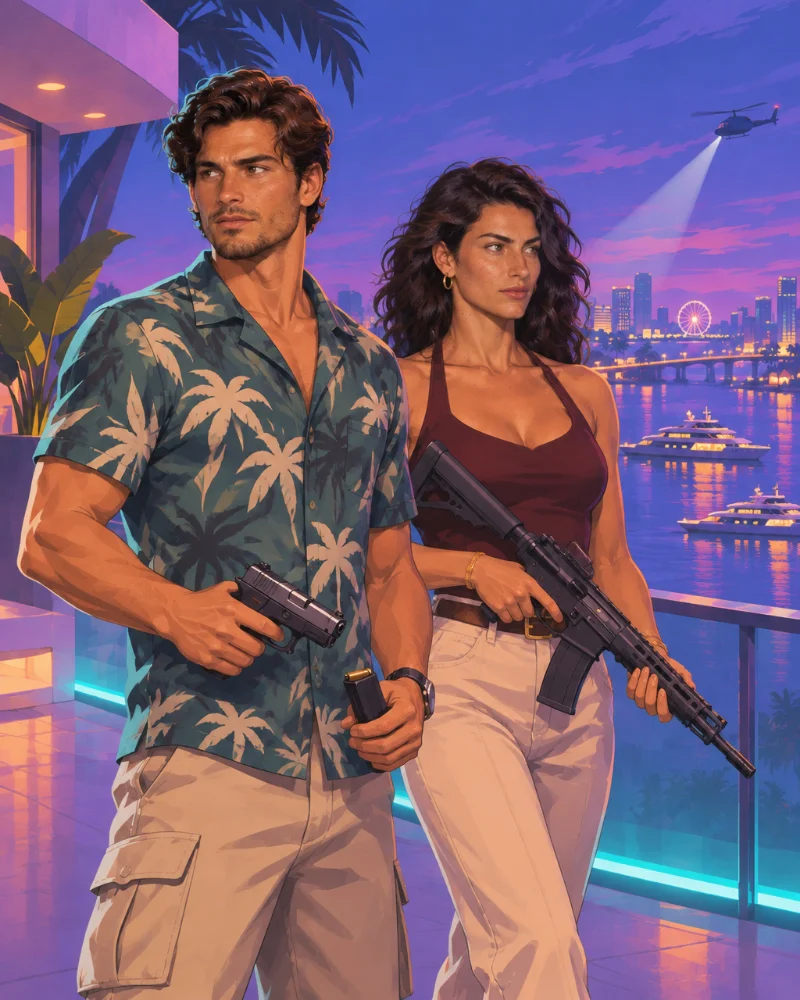
Partners in Crime
2 people · Illustrated poster
Make this look ↗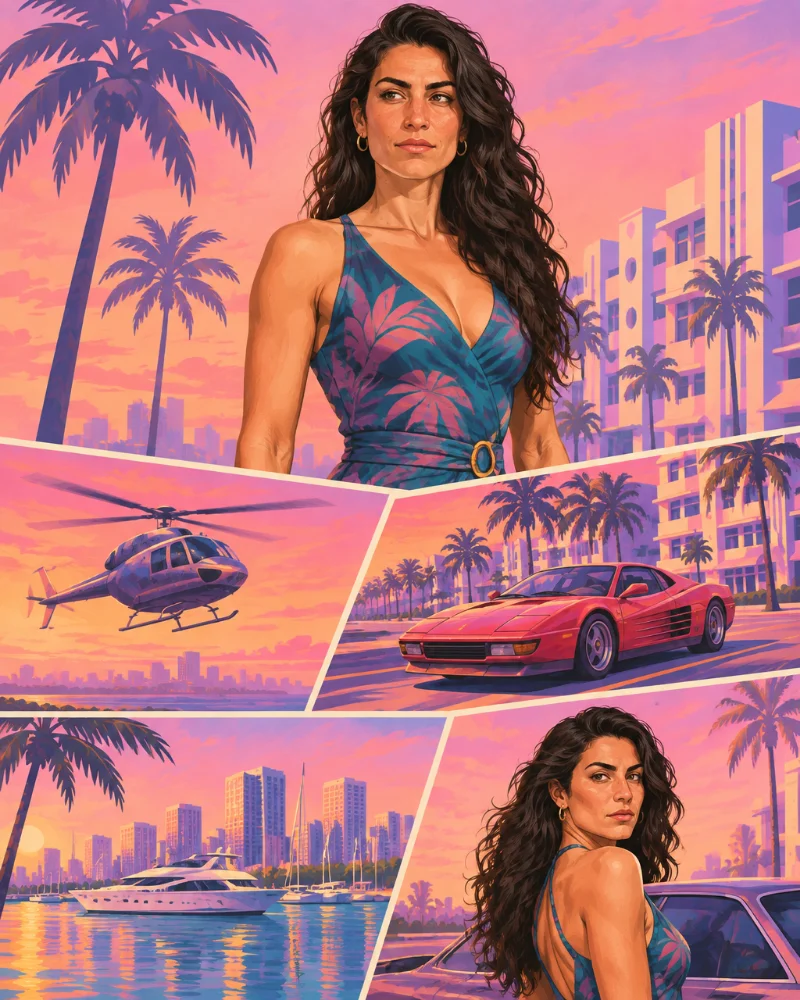
Multi-panel Cover
1 person · Illustrated poster
Make this look ↗Christmas photo looks
Make a festive portrait or a photo together, from candy-cane studios to matching pajamas. Add a greeting to turn your result into a digital card.
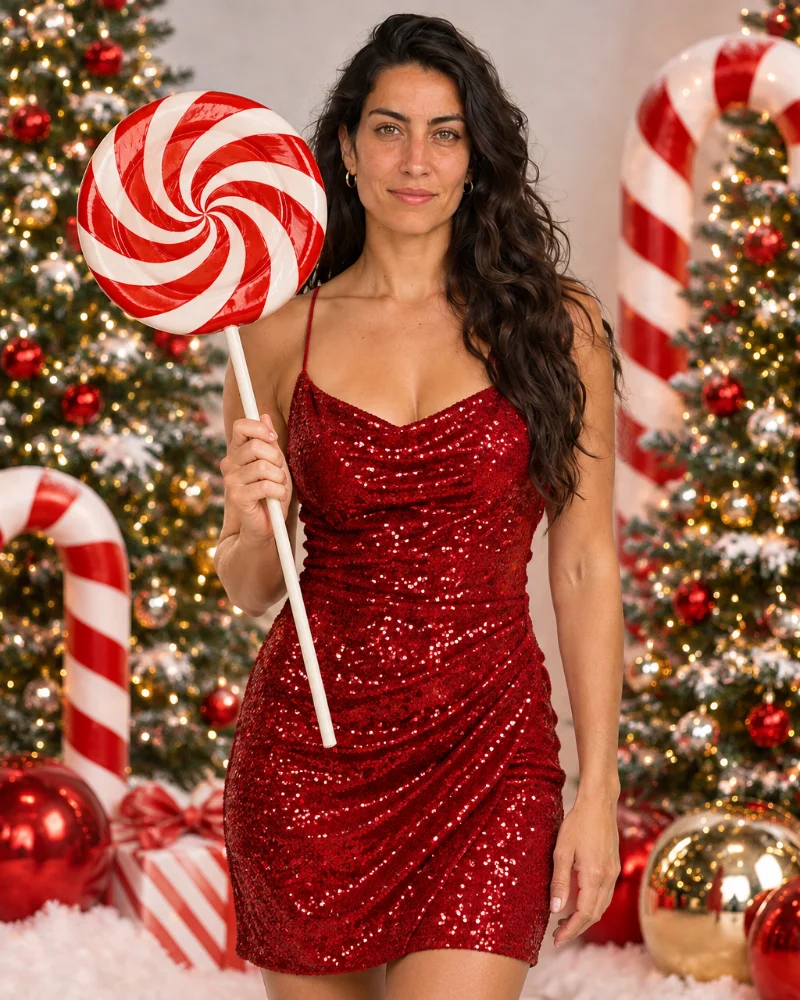
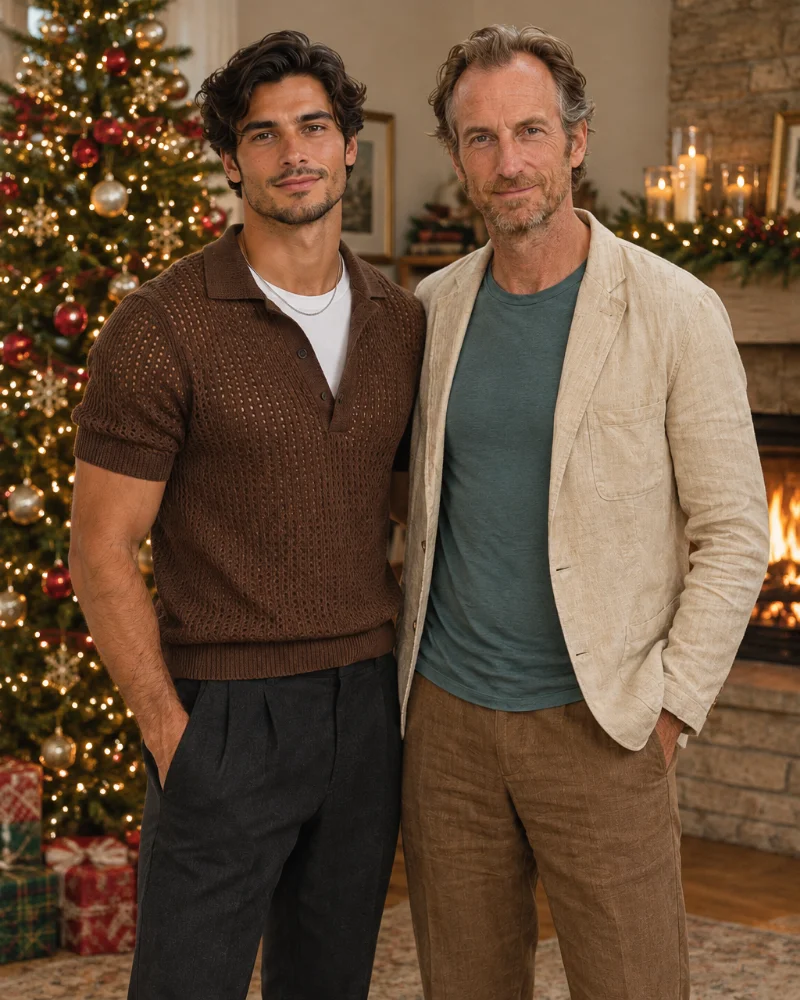
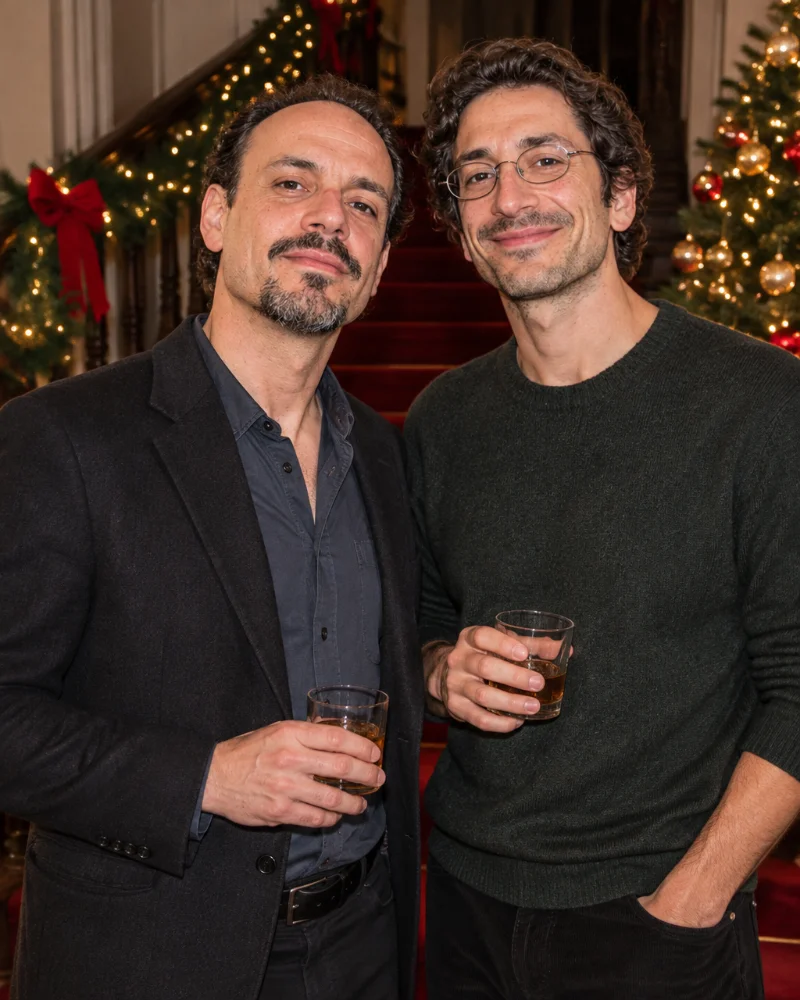
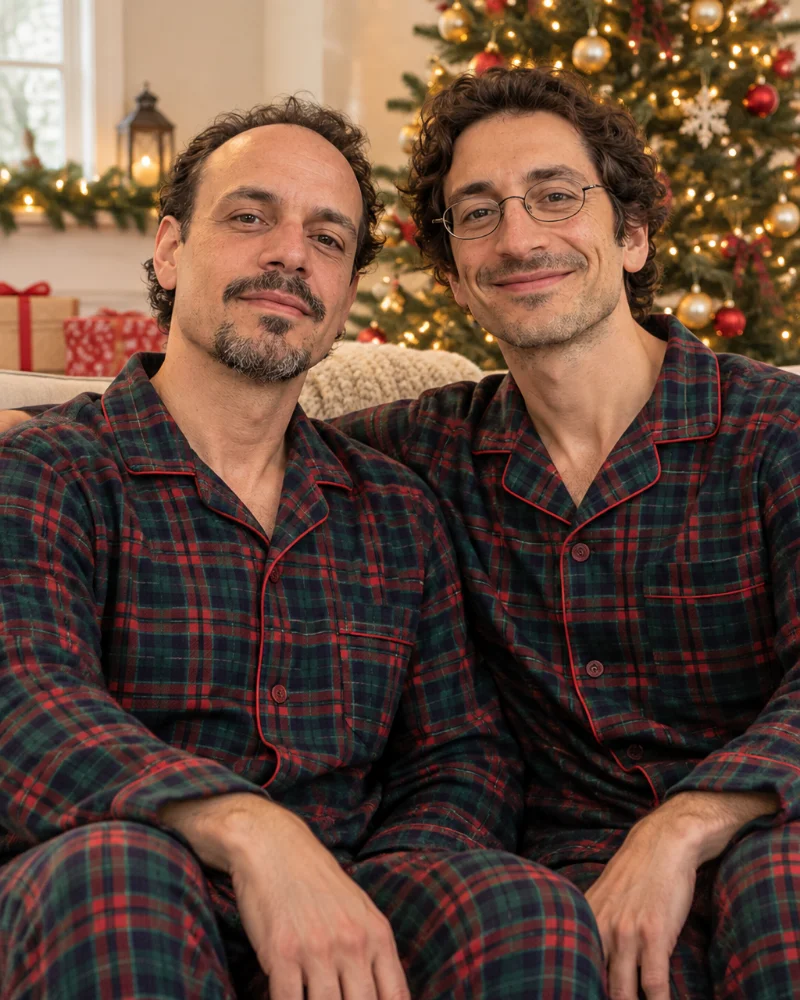
Your photos. A new scene. No prompt to write.
Start with a sample you love. This AI photo and poster generator builds a new scene around your people, with outfits and lighting adapted to the look you choose.
Choose your look
Find an illustrated poster or photo style for one or two people.
Add your people
Use one portrait, two separate photos or a clear photo together.
Make it yours
Choose a format, generate your image, then download it or share from your device.
A format for every way you share.
Create a digital poster, refresh your profile or tell a story with a portrait. Every look offers four formats, so the scene fits where you want to use it.
- Cover · 4:5
- A taller feed post with room for you and the scene.
- Square · 1:1
- A square post or an image for your profile.
- Portrait · 9:16
- A full-height image for stories and phone screens.
- Landscape · 16:9
- A wide composition for cinematic scenes and digital displays.
Each creation makes one image in your chosen format. For a holiday greeting, keep your photo and add a message and signature in the digital card editor—no extra generation needed.
See image packs & what’s included ↗Make the most of your photos
How to make GTA 6-style photos from your own pictures
Choose from seven illustrated scenes, compare four formats and find out when to use Standard or HD.
Read the guide ↗How to make an AI candy cane Christmas photo
Turn one photo into a peppermint studio portrait, choose its format and add a digital greeting.
Read the guide ↗Make a Christmas couple photo and a digital greeting card
Pick a festive scene and photo format for two people, then export your portrait and a digital card.
Read the guide ↗